
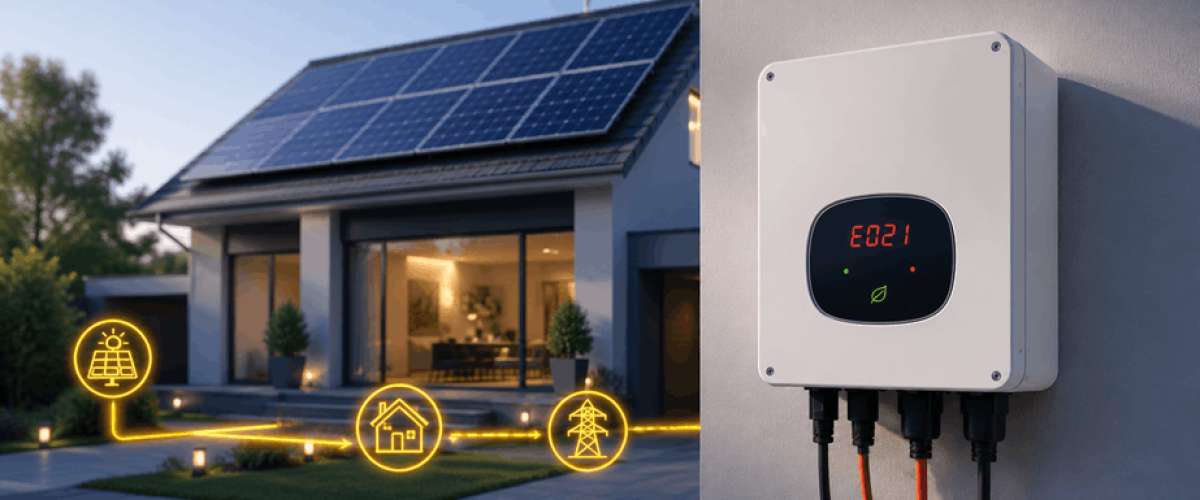
If your Growatt inverter is showing Error 117, Error 122, Error 302, or any other fault code, understanding what these messages mean can help you quickly identify the problem and restore system performance. A solar inverter has an important role in the performance of any solar energy setups, and these days Growatt has become one of the most recognized brands among homeowners and businesses for its reliable performance, wide product range, competitive pricing and smart monitoring features. The solar panel inverter cost can vary depending on inverter capacity, monitoring features, battery compatibility, and the overall system design. However, like all solar inverters, Growatt systems may sometimes show warning messages or fault codes when it is not behaving normally.
The growatt alarm codes list provides a quick reference for the common inverter errors and their recommended actions.
|
Fault Code |
Meaning | Recommended Action |
|
Error 05 |
DC Overvoltage | Check PV string voltage |
| Error 100 | Reference Voltage Fault |
Professional diagnosis |
|
Error 101 |
Communication Fault | Restart inverter |
| Error 102 | Internal Communication Fault |
Check system stability |
|
Error 116 |
EEPROM Fault | Service required |
| Error 117 | Relay Fault |
Professional inspection |
|
Error 119 |
GFCI Fault | Contact technician |
| Error 121 | Processor Communication Fault |
Technical support |
|
Error 122 |
Bus Voltage Fault | Professional diagnosis |
| Error 300 | Grid Voltage Fault |
Verify utility voltage |
|
Error 302 |
No AC Connection | Check AC wiring |
| Error 303 | Grounding Fault |
Verify grounding |
| Error 304 | Frequency Fault |
Check grid frequency |
This article also has practical Growatt error code solutions to help users troubleshoot common problems of inverters without unnecessary delays.
Warning messages and error codes are different from each other. Warning messages usually show temporary or short term issues. These alerts often disappear automatically as soon as the condition returns to normal status.
For example:
However, error codes are generally more serious than warning messages and may show issues related to equipment, communication failures, or internal hardware that need immediate troubleshooting.
For example:
Knowing the difference between warnings and errors is the first step for Growatt inverter troubleshooting.
| Warning Message | Most Common Cause |
|---|---|
| No AC Connection | Grid outage or disconnected AC wiring |
| AC V Outrange | High or low utility voltage |
| AC F Outrange | Grid frequency instability |
| Over Temperature | Poor ventilation or high ambient temperature |
| PV Isolation Low | Damaged cables or moisture ingress |
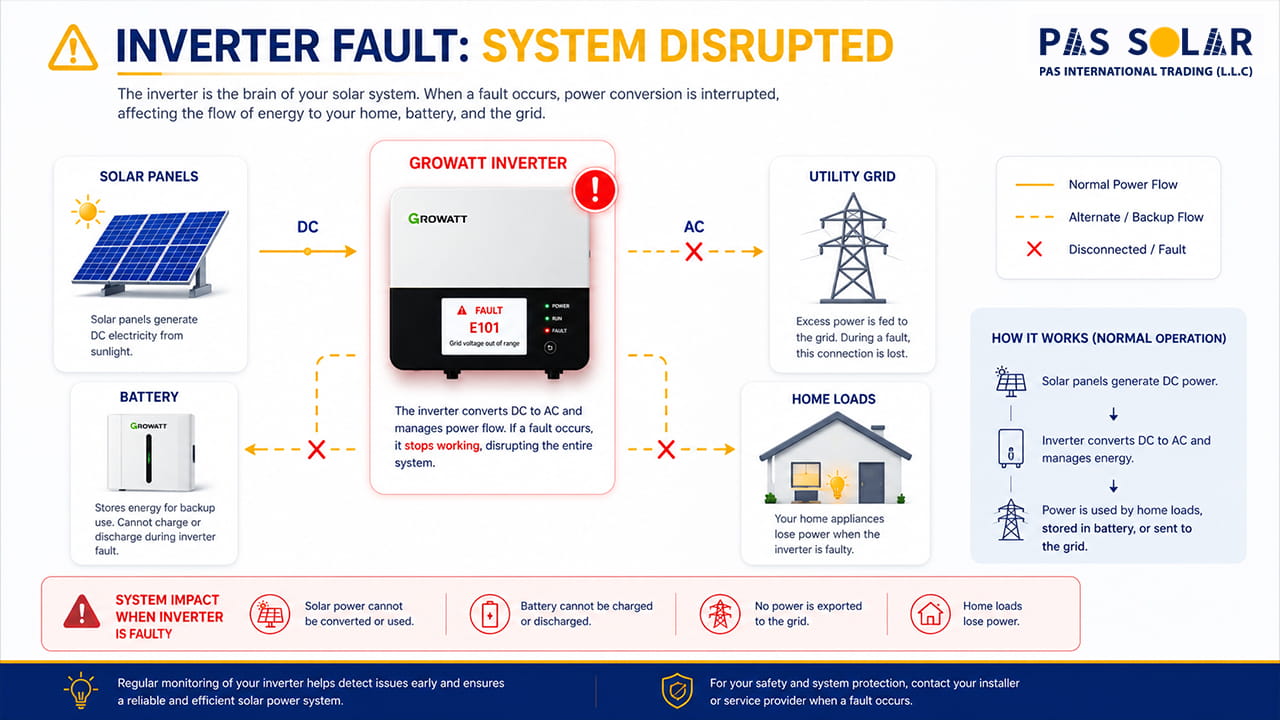
Warning messages often appear before a more serious problem happens. Paying attention to these alerts can help you identify problems earlier, so they should not be ignored.
This warning appears when there is no detectable connection between the inverter and the utility grid.
The inverter has detected that the grid voltage is either too high or too low.
This warning appears when the grid frequency is outside the inverter’s acceptable range.
When temperatures are too high, inverter performance can decrease and protective warnings may be triggered.
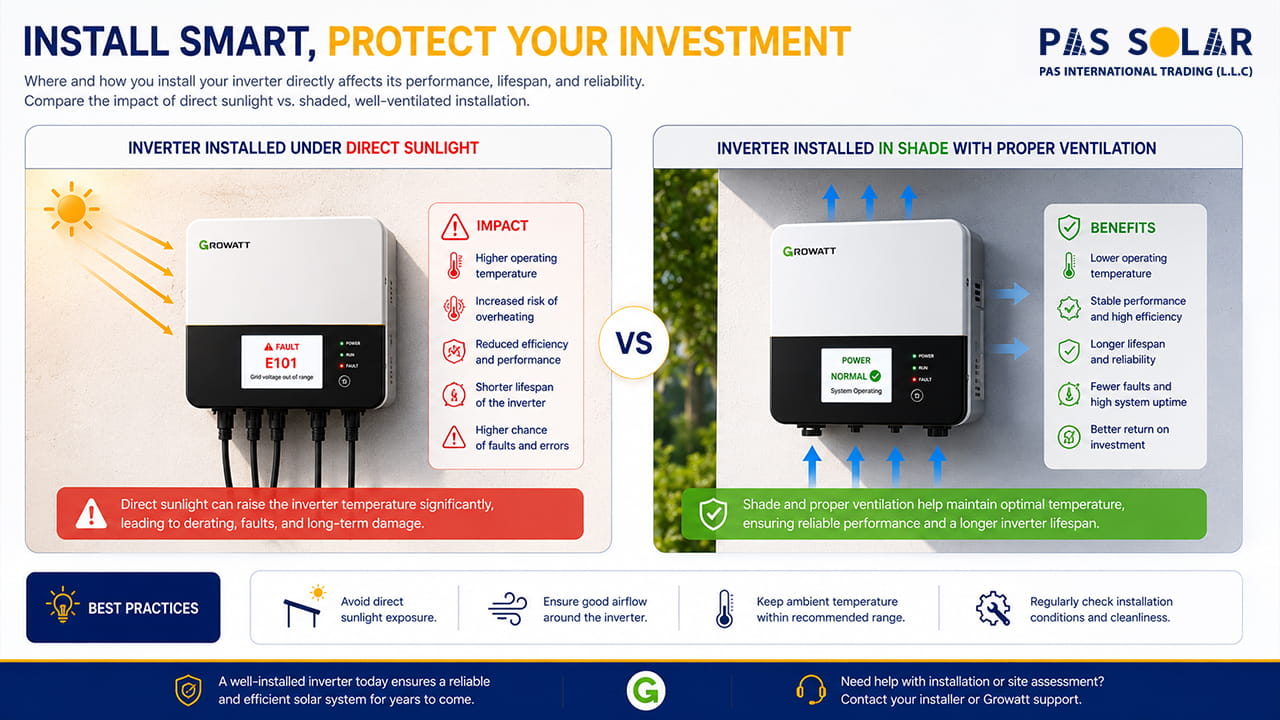
When a Growatt inverter shows an error code, many users consider that the system has failed. On the one hand, some messages are simply warnings caused by temporary grid fluctuations, high temperatures, or communication interruptions. On the other hand, these messages may show more serious problems which are related to internal components, grounding, or batteries
If you want to identify problems as soon as possible, you should know more about Growatt fault codes. It helps you to reduce system downtime, and avoid unnecessary service calls. In this article, we will explain:
If you are trying to understand Growatt inverter faults meaning, it is important to know how these error codes work and what they show about system performance. Growatt inverters continuously check all parts of a solar power setup which have vital rules. These parts include:
If the inverter detects any problem, it may display a warning message or an error code.
This warning suggests there is an insulation problem in the DC part of the solar system.
Warnings often clear automatically when conditions return to normal, but error codes usually point to underlying problems that need to be checked and also resolved.
This error appears when the solar array voltage goes beyond the inverter’s maximum DC input rating.
High-power modules such as the ja solar 715w panel can increase energy production, but the PV string configuration must always remain within the inverter’s voltage specifications.
The inverter is experiencing a problem with its internal reference voltage.
This error appears when there are communication problems within the inverter system.
Error 102 occurs when the master and slave controllers of the inverter cannot sync data correctly.
The inverter has detected an issue with stored system data.
The inverter’s internal relay system has failed to operate correctly.
This error is linked to a problem in the inverter’s Ground Fault Circuit Interrupter (GFCI) protection system.
The master processor cannot receive information from the slave processor.
The inverter is experiencing DC bus over or under voltage conditions.
Users of Growatt hybrid and off-grid systems may experience battery-related alarms. For hybrid solar systems, understanding the Solar Lithium Battery Price is important because battery capacity and technology can significantly affect the total investment cost. For users considering a hybrid system upgrade, comparing the growatt 12kw inverter price with other compatible inverter options can help estimate the overall investment more accurately.
This error appears when the battery voltage goes beyond the allowed charging range.
This is a common hybrid inverter fault.
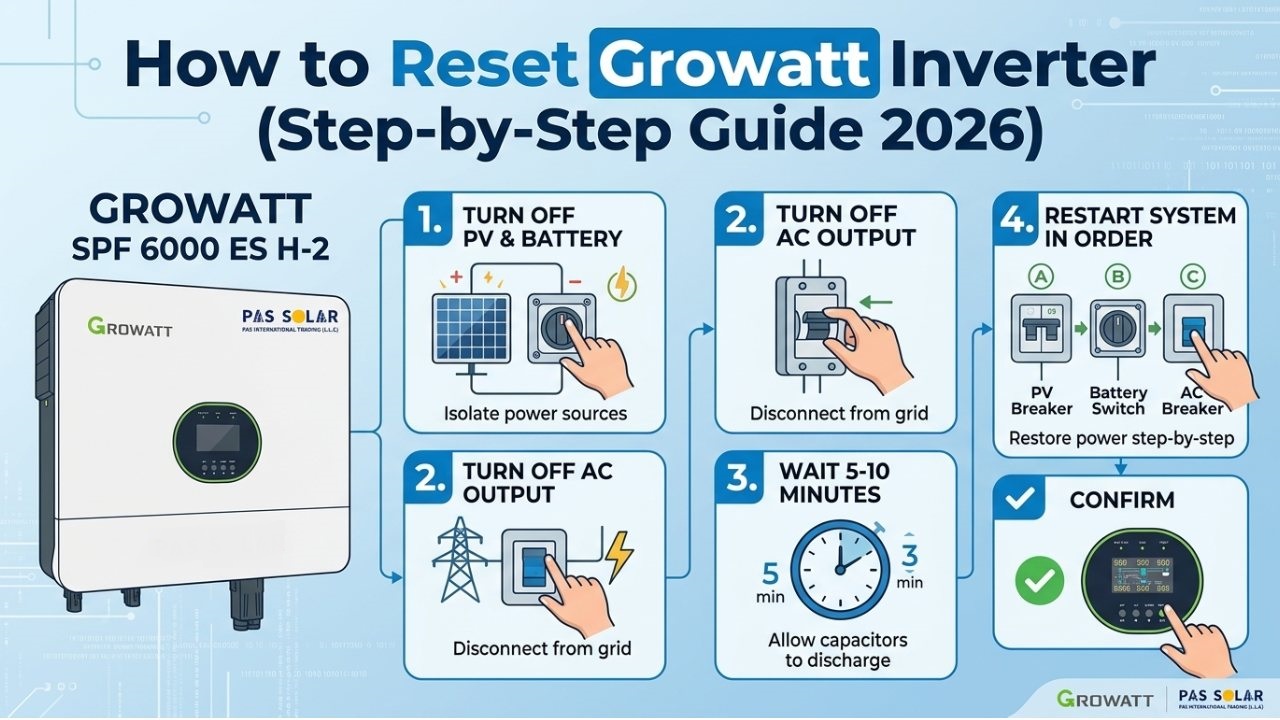
Sometimes, inverter faults are temporary and they can be resolved just with a simple restart. If you are going to do this safely, first switch off the AC isolator, then turn off the DC isolator. Wait until the inverter shuts down completely and the display goes blank. After that, switch the DC isolator back on, followed by the AC isolator. Once the inverter restarts, check whether the fault code has cleared. If the same error appears again after restarting, it usually shows an underlying issue that needs more checking.
| Fault Type | Can User Troubleshoot? | Technician Required? |
|---|---|---|
| Error 05 | Yes | Usually No |
| Error 100 | Limited | Yes |
| Error 101 | Yes | If persistent |
| Error 102 | Limited | Yes |
| Error 116 | No | Yes |
| Error 117 | No | Yes |
| Error 119 | No | Yes |
| Error 121 | No | Yes |
| Error 122 | No | Yes |
| Repeated Ground Faults | No | Yes |
Although many inverter problems can be fixed with simple troubleshooting steps, certain faults may show more serious hardware or safety concerns. For the faults below, it is best to consult a qualified installer or technician:
Repeated resets without proper troubleshooting may cause more damage to the inverter or connected components.
In many cases, inverter errors do not happen suddenly. Regular checks can help recognize problems before they become serious faults. Check cables and connectors from time to time, keep ventilation areas clean (free from dust and dirt), and make sure outdoor connectors stay dry.
Checking system performance through the Growatt platform can also help recognize unusual behavior early. In addition, make sure grounding is correct, firmware is up to date, and PV voltage stays within the inverter’s specifications. In many cases, a quick system check is all it takes to catch problems early and keep the inverter running smoothly.
Based on field experience with Growatt residential and commercial solar systems, many warning messages are related to external conditions rather than inverter failure. Grid voltage fluctuations, improper grounding, poor ventilation, and communication interruptions are among the most common causes of recurring alerts.
Before assuming that an inverter is defective, it is recommended to verify grid conditions, inspect cabling and connectors, check system ventilation, and confirm that PV string voltages remain within the inverter’s specifications. This systematic approach can help identify the root cause more efficiently and reduce unnecessary downtime.
Growatt fault codes can provide useful information about the health of your solar energy setup. Although some warning messages are temporary and clear automatically, some others codes show issues that need more attention. Understanding the meaning of Growatt inverter error codes can help you recognize problems more quickly, reduce unnecessary downtime, and keep your solar system performing efficiently.
Regular maintenance, proper system design, and timely troubleshooting are the best ways to prevent repeating inverter faults. If an error continues after basic troubleshooting, consulting a qualified solar technician is the safest method to protect both your inverter and your solar investment.
At Pas solar, we focus on delivering reliable and high-performance solar solutions for both residential and commercial projects. Our product portfolio is carefully selected to provide efficiency, safety, and long-term value for our customers.
We primarily supply Growatt inverters and battery systems, which are widely recognized for their advanced technology, smart monitoring features, and dependable performance. By combining high-quality components with professional support, Passolar aims to make solar energy more accessible, efficient, and cost-effective for every installation.
Whether you are building a new solar system or upgrading an existing one, Passolar is committed to providing trusted solar products and solutions designed for long-term performance and customer satisfaction.
Grid-related faults such as Error 300 (Grid Voltage Fault), Error 302 (No AC Connection), and Error 304 (Frequency Fault) are among the most commonly reported Growatt inverter issues.
Turn off the AC isolator first, then switch off the DC isolator. Wait until the inverter shuts down completely. After a few minutes, turn the DC isolator back on, followed by the AC isolator, and check whether the fault has cleared.
Yes. Many warning messages are temporary and may disappear automatically when operating conditions return to normal.
Error 05 indicates DC overvoltage. This occurs when the PV array voltage exceeds the inverter’s maximum DC input rating.
Error 100 is a Reference Voltage Fault that is usually related to internal electronic circuits, control board issues, or hardware failures.
Error 117 is a Relay Fault. It indicates that the inverter's internal relay system is not operating correctly and usually requires professional inspection.
Error 122 is a Bus Voltage Fault. It typically points to DC bus voltage abnormalities caused by capacitor issues, power circuit problems, or internal component failures.
This warning appears when the inverter cannot detect a connection to the utility grid. Common causes include power outages, tripped breakers, or disconnected AC wiring.
What is the most common Growatt fault code?
How do I reset a Growatt inverter?
Can Growatt fault codes clear automatically?
What does Error 05 mean on a Growatt inverter?
What causes Error 100 on a Growatt inverter?
What is Growatt Error 117?
What does Error 122 mean on a Growatt inverter?