
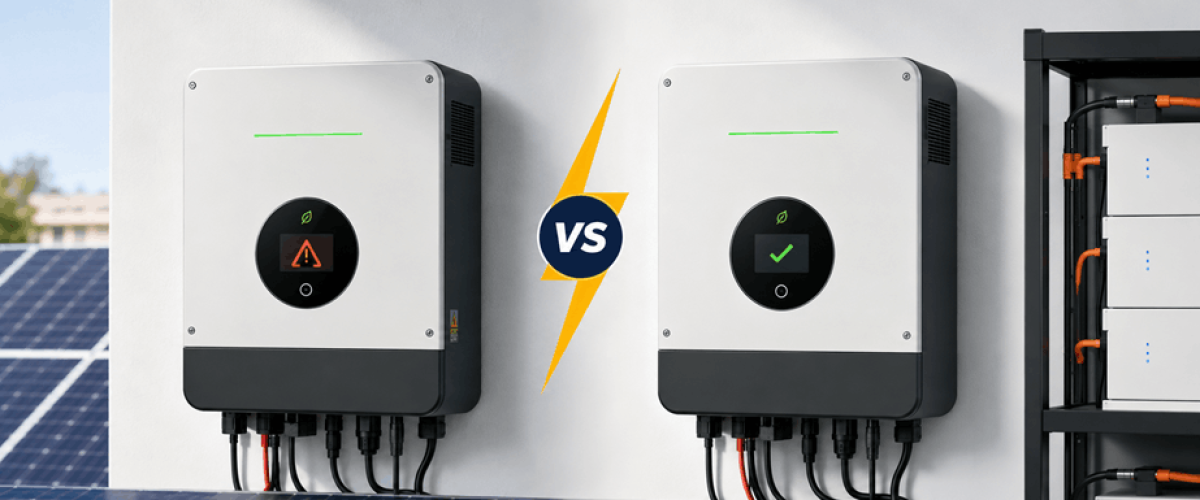
Sometimes, small inverter problems are not because of the hardware. For example, if your Growatt inverter shows some problems that are related to the battery, the system may just need a firmware update. In many situations, a firmware update can reduce errors and improve the performance of the solar system.
| Update | Answer |
|---|---|
| Time Required | 5–20 min |
| Update Method | USB or Remote |
| Internet Needed | Only for Remote Update |
| Main Risk | Power interruption |
| Official Source | Growatt Support & Distributors |
Although most of the time a Growatt firmware update is usually a simple process, many users are still afraid of making mistakes and damaging their inverter. At first glance, the process seems complicated, but it can be simple and safe when you do it carefully by choosing the correct firmware file.
Now, we will let you know everything you need about updating Growatt inverter firmware safely in 2026, including firmware downloads, USB updates, remote updates, common problems, and important safety tips.
Inside every inverter, there is firmware that controls how the system works and communicates with the rest of the solar energy system such as batteries, solar panels and even the electrical grid.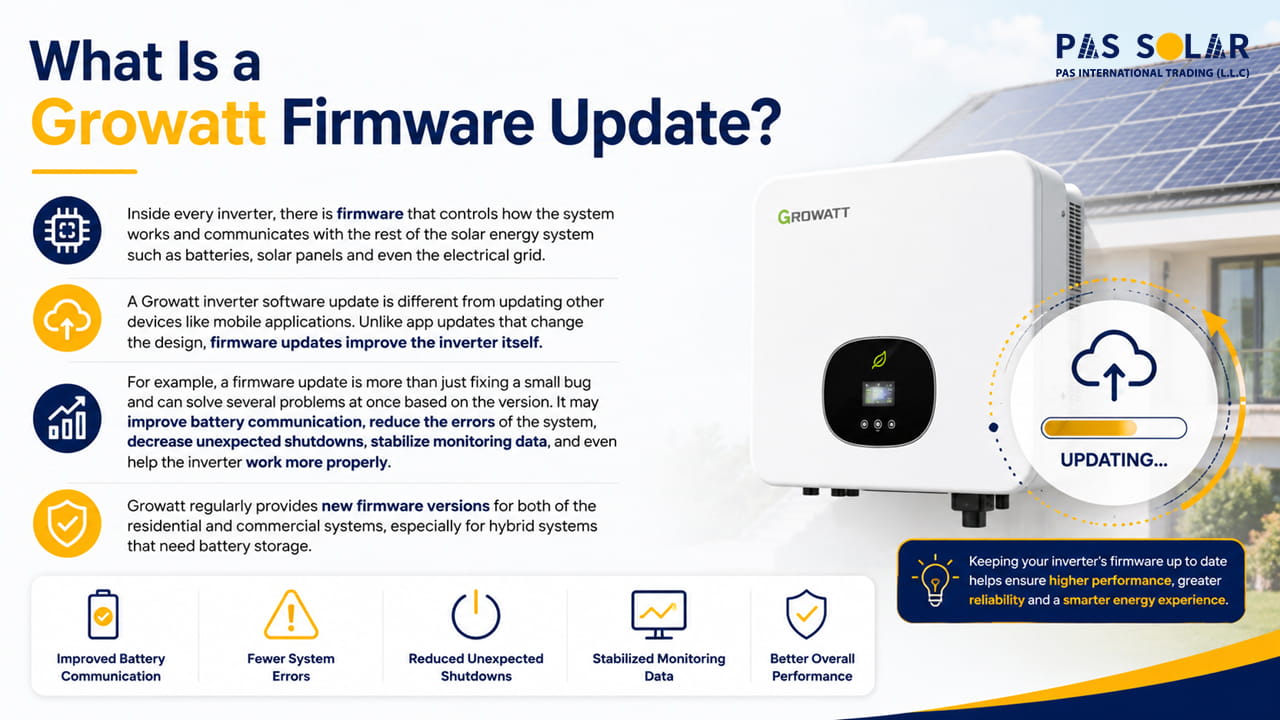
A Growatt inverter software update is different from updating other devices like mobile applications. Unlike app updates that change the design, firmware updates improve the inverter itself.
For example, a firmware update is more than just fixing a small bug and can solve several problems at once based on the version. It may improve battery communication, reduce the errors of the system, decrease unexpected shutdowns, stabilize monitoring data, and even help the inverter work more properly.
Growatt regularly provides new firmware versions for both of the residential and commercial systems, especially for hybrid systems that need battery storage.
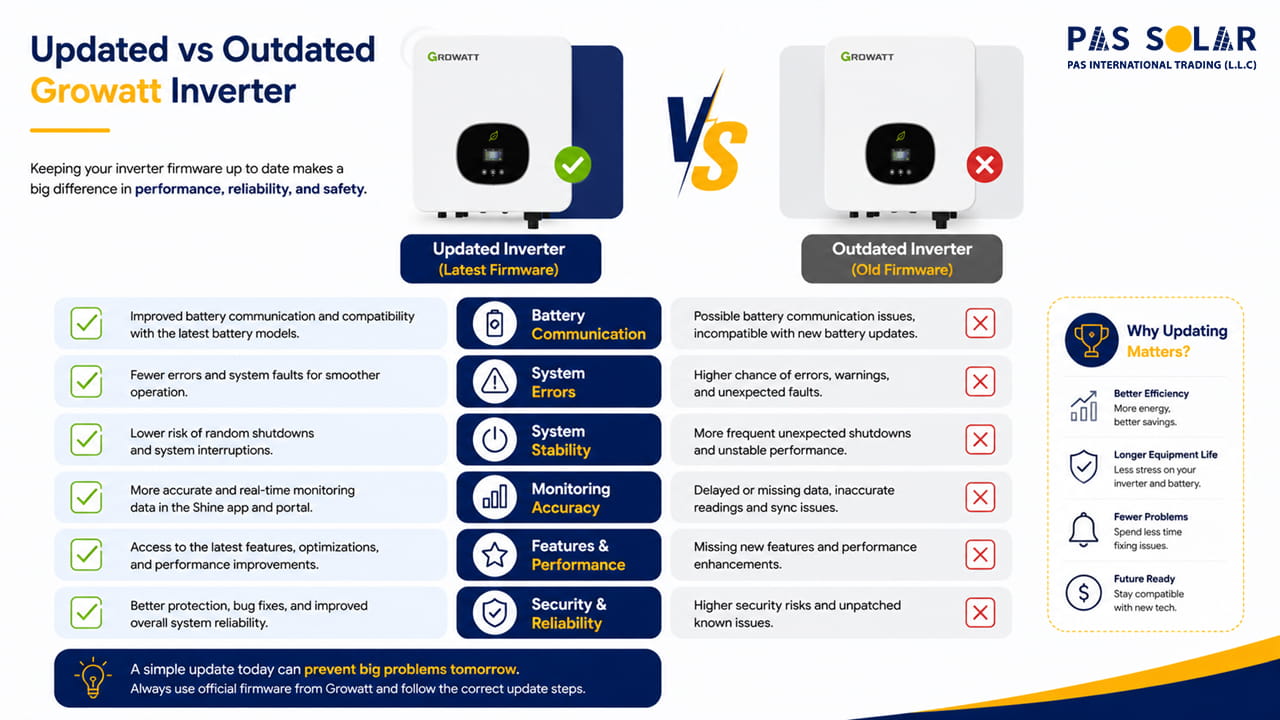
A lot of people think about firmware updates after they are faced with challenges. But keeping the inverter updated lets them prevent many common problems. One of the biggest reasons users update growatt inverter firmware is to solve communication problems between the inverter and lithium batteries. Firmware compatibility becomes even more important when the inverter is connected to a growatt lithium battery, as outdated software can lead to communication and charging issues. In modern systems, firmware compatibility is important more than ever.
Another common reason is unstable monitoring. Sometimes the ShinePhone app that is the Growatt monitoring platform stops updating correctly, shows delayed production data, or even disconnects from time to time.
In many cases, a Growatt monitoring firmware update is enough to fix these problems. These updates can also improve inverter stability, MPPT performance, charging accuracy, system protection, cloud communication, and smart energy features. So, small updates can make an incredible difference in daily performance. For users considering a higher-capacity system, checking the specifications of a growatt 12kw inverter can also help determine whether the inverter is suitable for their battery and energy requirements.
Before updating the app, it’s important to prepare yourself. Most firmware problems happen because users are not following the steps carefully or sometimes they are using the wrong version of this software.
| Check | Status |
|---|---|
| Correct inverter model | ✓ |
| Correct firmware file | ✓ |
| FAT32 USB drive | ✓ |
| Stable power conditions | ✓ |
| Current firmware recorded | ✓ |
The first step is to check which firmware version is installed on your inverter. Based on your model, you can check the firmware version on the inverter display through the ShinePhone app, on the ShineServer platform. We at Pas Solar recommend you to take a photo of your current version before updating.
This step is really important. Growatt has many inverter series, and each one needs its own firmware files. Installing the wrong firmware can create serious problems or even stop the inverter from loading correctly.
Common Growatt series include:
Before installing, it’s important to match the firmware with the exact model of your inverter. Pay attention that the exact model number is on the inverter label.
For local firmware updates, most Growatt inverters use a USB drive. Make sure it’s formatted as FAT32, only contains the firmware file, has enough free space, and is working properly without any problems for connecting. Sometimes, a simple issue like an old or damaged USB drive can cause the update to fail.
You should not update the firmware during unstable weather and bad weather conditions or when power interruptions are more likely. If power is interrupted during the installation, the inverter software becomes corrupted. This problem can cause restart loops or communication issues later
At Pas Solar, our technicians recommend updating the firmware during daytime hours when the solar system is at the best level of stability and can be easily monitored.
One of the most confusing parts for many users is finding the correct firmware file. A growatt firmware download is usually only available through official channels like Growatt distributors, installer portals, technical support teams, or authorized service centers. Some firmware versions are not available publicly because they need installer level access.
This is one of the mistakes that many users make.Downloading firmware from unofficial websites seems easier, but it may create other problems later.
Unofficial firmware files can be extremely risky. They may contain modified software, be outdated, damage communication and lead to battery compatibility faults.
So you should double check that the firmware matches your inverter series, firmware generation, checking hardware, and battery type. Using the correct file is more important than using the newest one.
Now let’s take a step by step look at the firmware update process based on 2026 data.
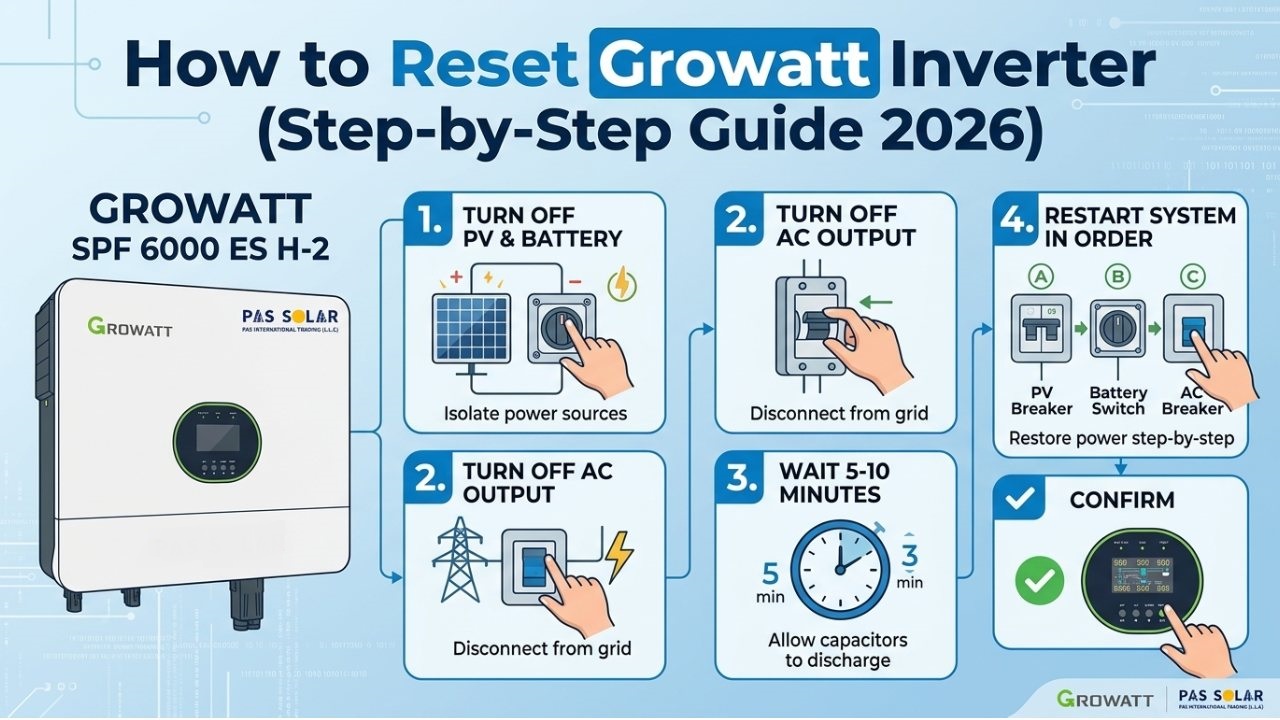
Before you plug in the USB drive, make sure the inverter is completely powered down . This usually means switching off the AC breaker, turning off the DC isolator, and waiting a few minutes for the system to fully discharge. Never insert or remove the USB drive while the inverter is working.
Make sure to place the firmware file directly in the root folder of the USB drive. Don’t put it inside any folders, don’t rename it, and never add extra files to the USB. Some Growatt models need several firmware packages, so it’s important to follow the provided instructions carefully.
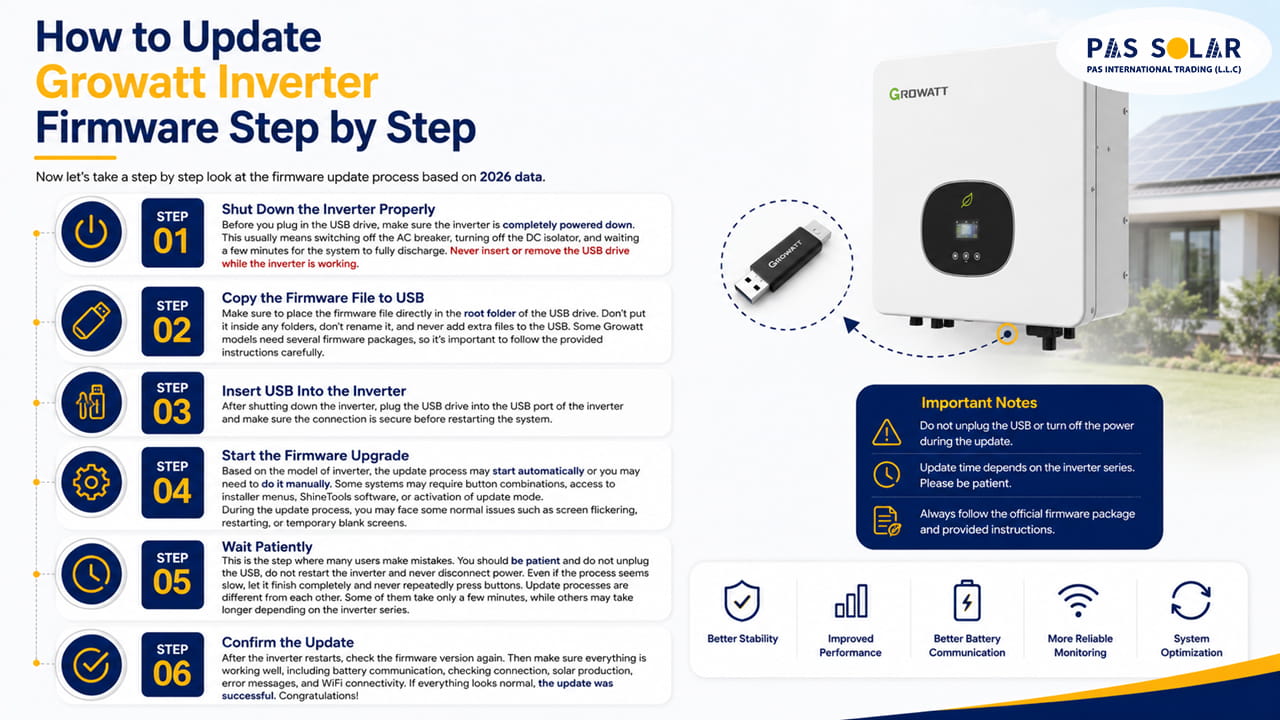
After shutting down the inverter, plug the USB drive into the USB port of the inverter and make sure the connection is secure before restarting the system.
Based on the model of inverter, the update process may start automatically or you may need to do it manually. Some systems may require button combinations, access to installer menus, ShineTools software, or activation of update mode.
During the update process, you may face some normal issues such as screen flickering, restarting, or temporary blank screens.
This is the step where many users make mistakes. You should be patient and do not unplug the USB, do not restart the inverter and never disconnect power. Even if the process seems slow, let it finish completely and never repeatedly press buttons.
update processes are different from each other. Some of them take only a few minutes, while others may take longer depending on the inverter series.
After the inverter restarts, check the firmware version again.
After the inverter restarts, check the firmware version again. Then make sure everything is working well, including battery communication, checking connection, solar production, error messages, and WiFi connectivity. If everything looks normal, the update was successful. Congratulations!
In 2026, many modern Growatt systems support remote updates through monitoring platforms. One of the advantages of remote updates is that installers can push the firmware directly to the system without visiting the site.
Local USB updates are still used for older inverters, off-grid systems, troubleshooting situations, and recovery of systems.
Here’s a simple comparison:
|
Feature |
Remote Update | USB Update |
| Requires Internet | Yes |
No |
|
Easier for Users or Beginners |
Yes | Moderate |
| Physical Access Needed | Usually No |
Yes |
|
Used by Installers |
Frequently | Sometimes |
| Best for Recovery | No |
Yes |
Even when users consider all the instructions, some problems may still happen.
This is one of the most common problems that usually cause incorrect USB format, unmatched USB device, damaged files and incorrect folder structure. Most of the time, trying another USB stick or flash drive solves the problem quickly.
If the update screen stops responding, you should wait several minutes first and avoid restarting immediately, because some updates appear frozen while internal installation continues in the background. Stopping the process too early can make the situation worse.
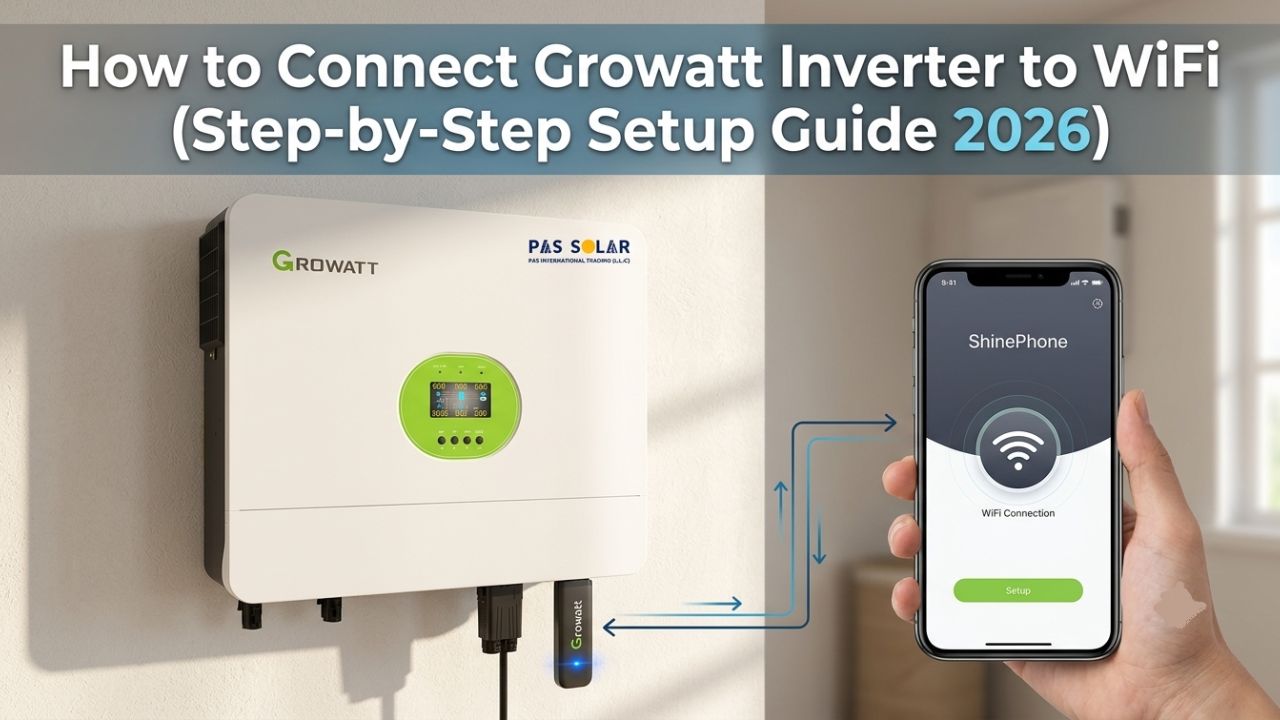
Sometimes the inverter updates without any issues, but after that the monitoring devices stop the syncing process. In some cases, you may need to reconnect the WiFi, restart the ShineWiFi-X device, refresh the cloud settings, or update the monitoring firmware separately. So, Growatt monitoring firmware update is needed after major inverter upgrades.
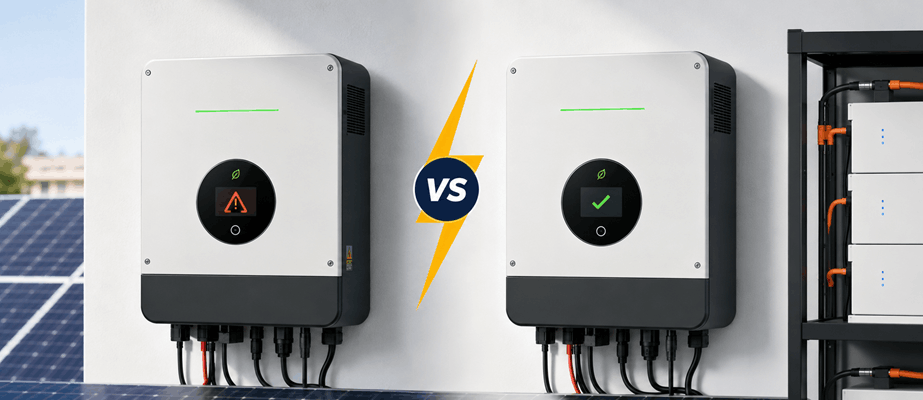
firmware installation which is incomplete can sometimes put the inverter to restart repeatedly. This kind of problem often needs help from professional technicians or official Growatt support. If this happens, avoid continuously restarting the inverter by force.
Although firmware updates seem simple, they still involve some electrical tool connected to high voltage DC and AC systems.
For safety, you should:
The incompatible firmware can seriously damage the inverter or cancel the warranty.
| Situation | Update Recommended? | Reason |
|---|---|---|
| System operating normally | Usually No | Unnecessary updates may introduce new issues |
| Battery communication errors | Yes | New firmware often improves compatibility |
| Monitoring problems | Yes | Updates frequently resolve cloud communication issues |
| New battery installation | Yes | Firmware compatibility is essential |
| Restart loops or software faults | Yes | A firmware upgrade may resolve software corruption issues |
You do not always need to install every new firmware update immediately. Most updates are useful for solving some bugs, improving stability, adding battery support, or solving monitoring problems. If your inverter works well, some updates may not be necessary. Whenever everything works properly, you can often keep the current version. Besides firmware features, many buyers also compare the solar panel inverter price before upgrading or replacing their existing solar equipment.
A proper growatt firmware upgrade guide can help you keep your solar system in the more stable level and efficient in 2026.
While the update process itself is usually not complicated, paying attention to detail is really important. Using the correct firmware file, following the correct shutdown steps, and avoiding interruptions during the installation process are the key elements to a successful update. If you are not sure what to do, contact us at Pas Solar as a solar technician instead of risking damage to the inverter.
Most users can perform firmware updates if they use the correct firmware file and carefully follow Growatt instructions.
Most updates take between 5 and 20 minutes depending on the inverter model.
Normally no, but backing up important settings before updating is recommended.
Installing incompatible firmware can cause communication errors, restart loops, and may even affect warranty coverage.
Growatt firmware is usually available through authorized distributors, installer portals, and official technical support channels.
One Response
I need the correct firmware for the Growatt SPF 5000TL HVM-WPV-P with the following specifications.
Identified Hardware Data: Control Board (CNTL Board): Silkscreened model: 530.SK0000900 CNTL Board V1.0 (Date: 2019-02-27); Barcode/Sticker: SKB710.0002501 with serial number HOBSNB021050; Secondary sticker (back): SKB700.0003301. Main Power Board (MAIN-POWER Board): Silkscreened model: 530.SK0000801 MAIN-POWER Board V2.01 (Date: 2020-03-30); Barcode/Sticker: SKB710.0002401 with serial number HOBZSB020338; Additional sticker: SKB700.0003201. (original fiemawer 048.00/049.00/null)
Best regards.